Help for job seekers
ResReader for Candidates guides — how to optimize your CV, run mock interviews, track applications, and use AI to land your next role.
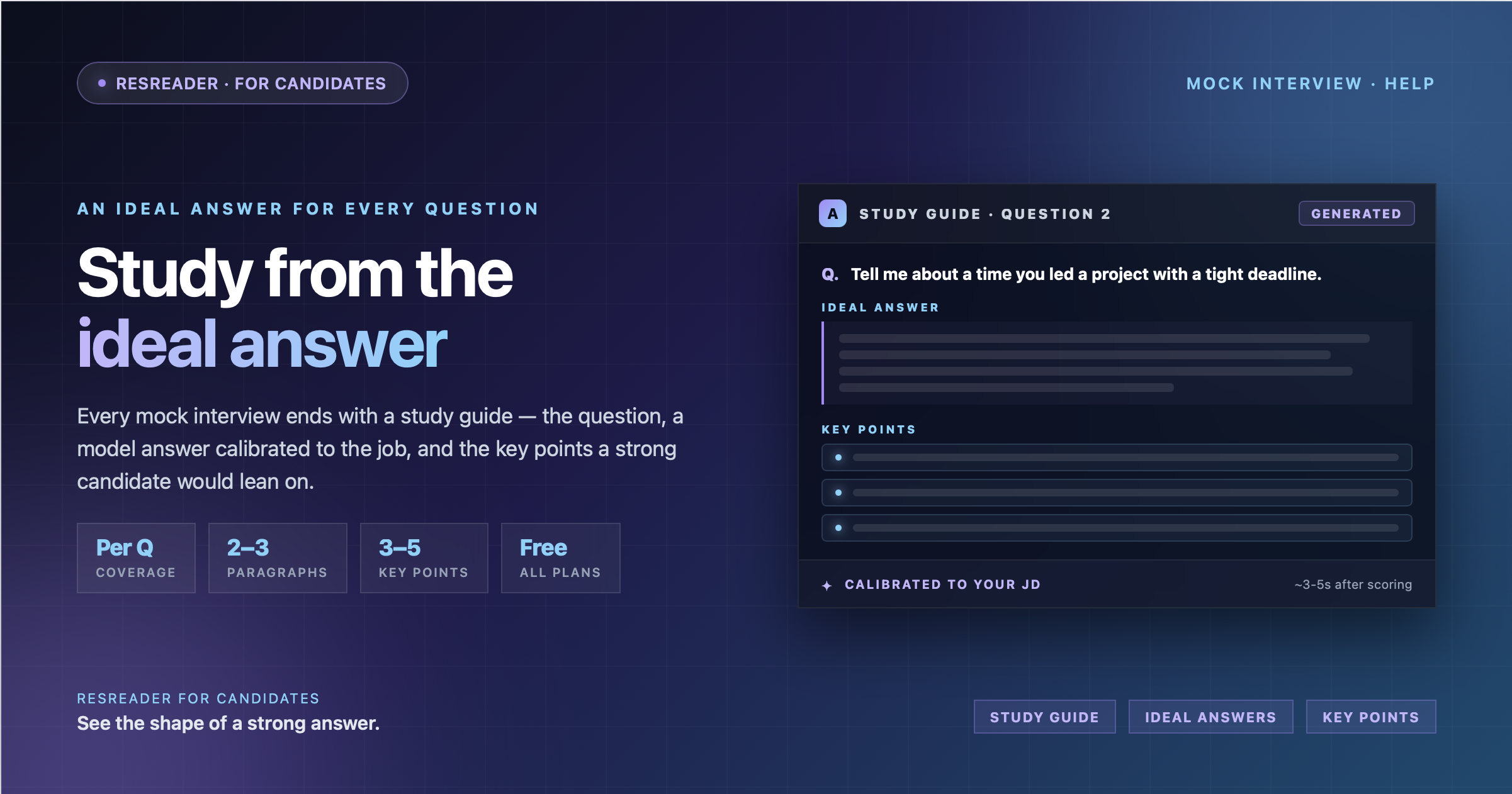
Using the AI Study Guide After Your Mock Interview
What the study guide is, when it appears on your scorecard, and how to study from the ideal answers and key points it generates for every question you were asked.
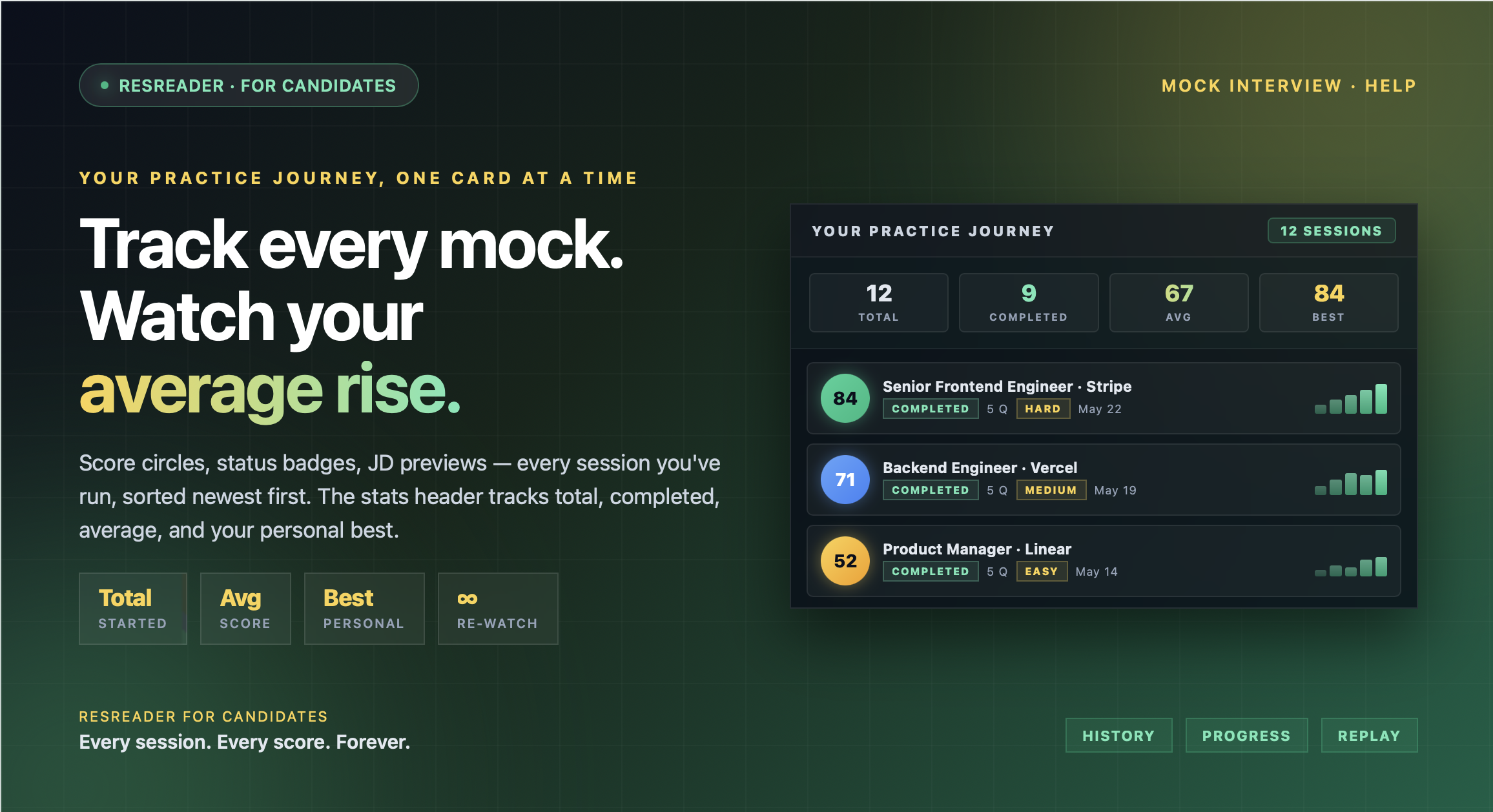
Tracking Your Progress Across Mock Interview History
How mock interview history works on ResReader — the practice journey stats header, what every session card shows, re-watching past sessions, and quota details.
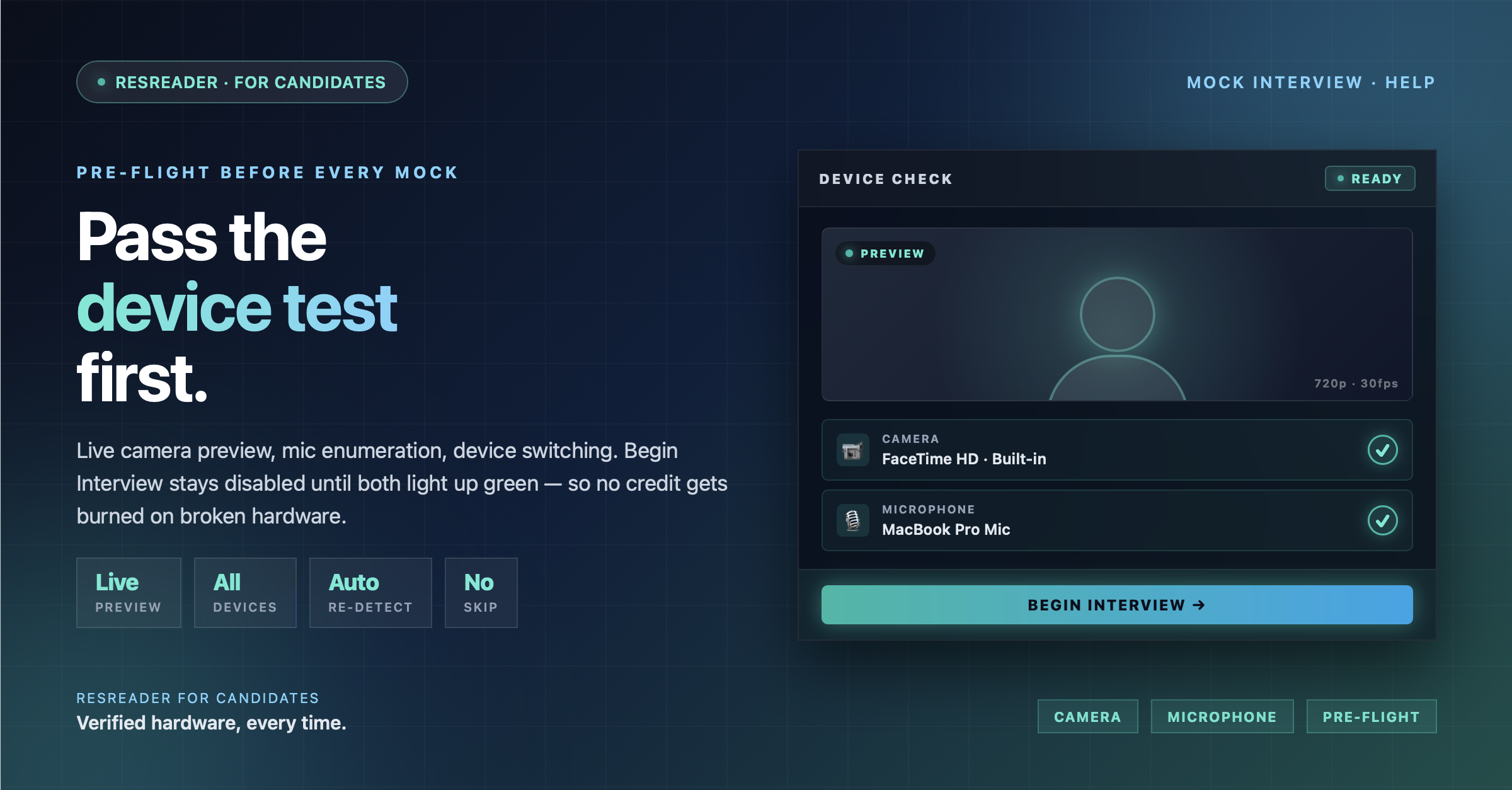
Running a Device Test Before Your Mock Interview
Every mock interview starts with a quick camera and microphone check so you don't lose practice time to a permission prompt mid-question. Here's exactly what the test does and how to get past it.
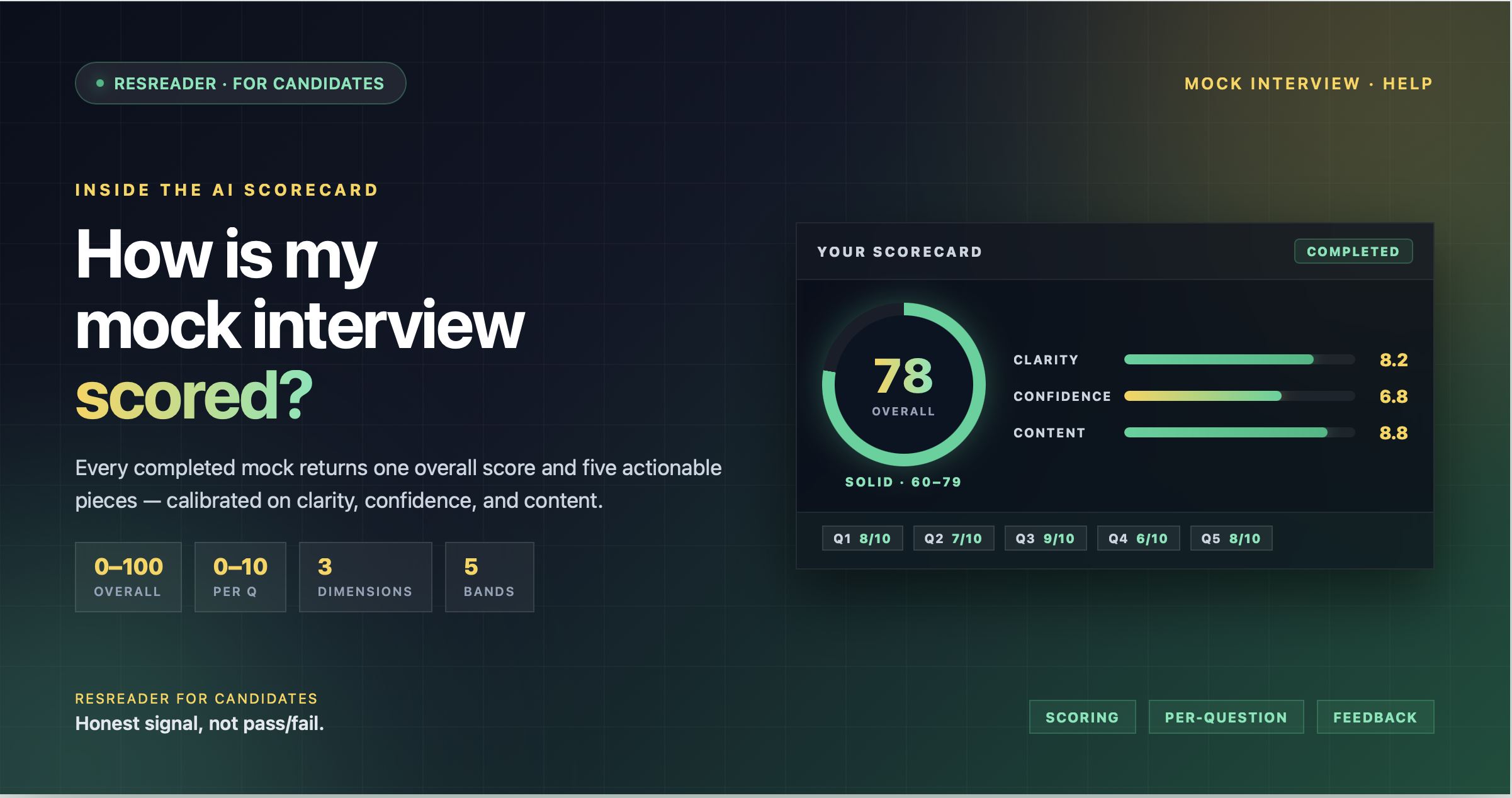
How Is My Mock Interview Scored?
A look inside the AI scorecard — the three dimensions we evaluate, the 0-100 scale, what each score band actually means, and how to read your strengths and improvements list.
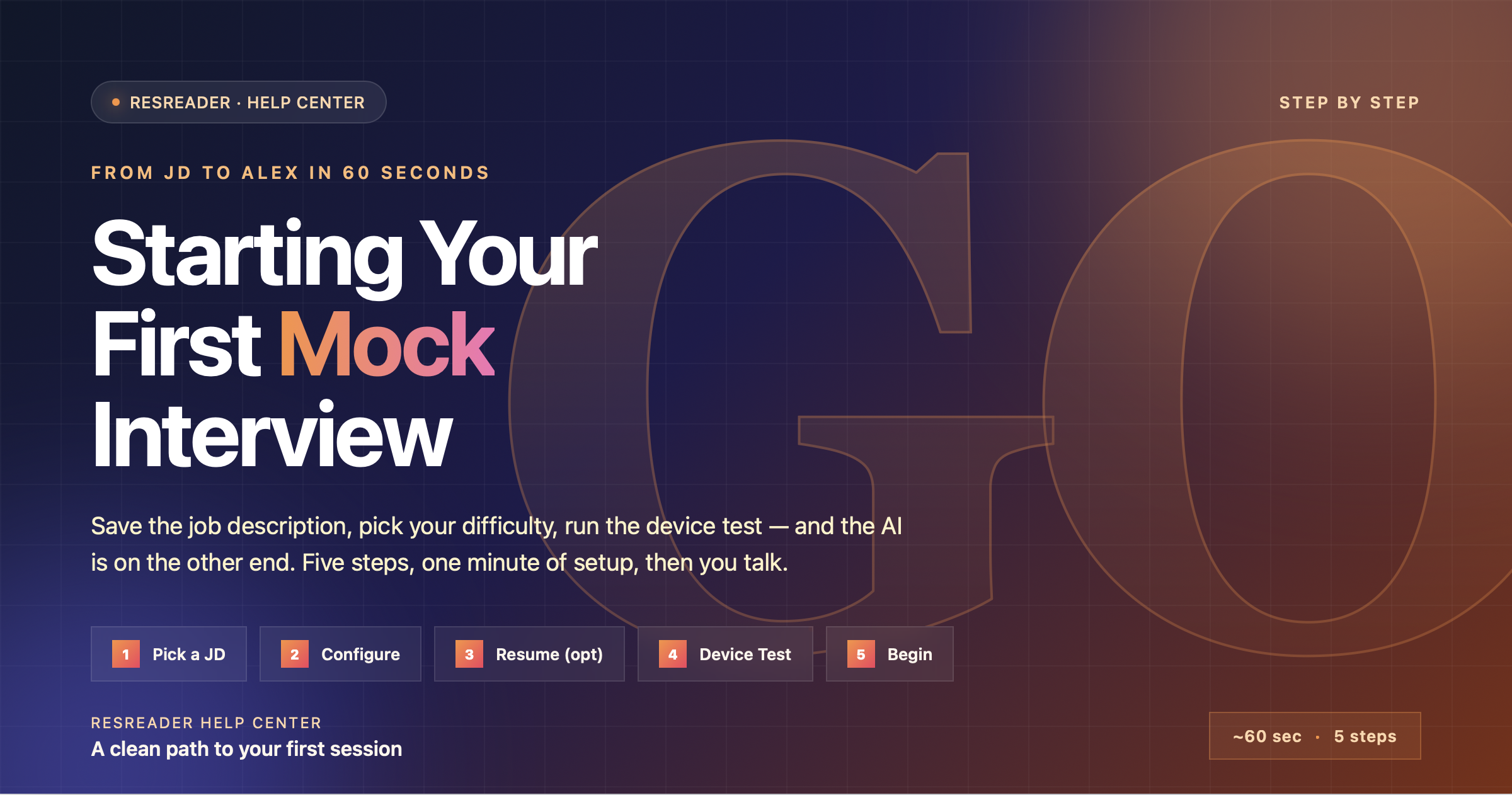
Starting Your First Mock Interview
Step-by-step walkthrough of how to start a mock interview on ResReader — saving a job description, configuring resume / question count / difficulty / custom steering, testing your camera and mic, and beginning the session.
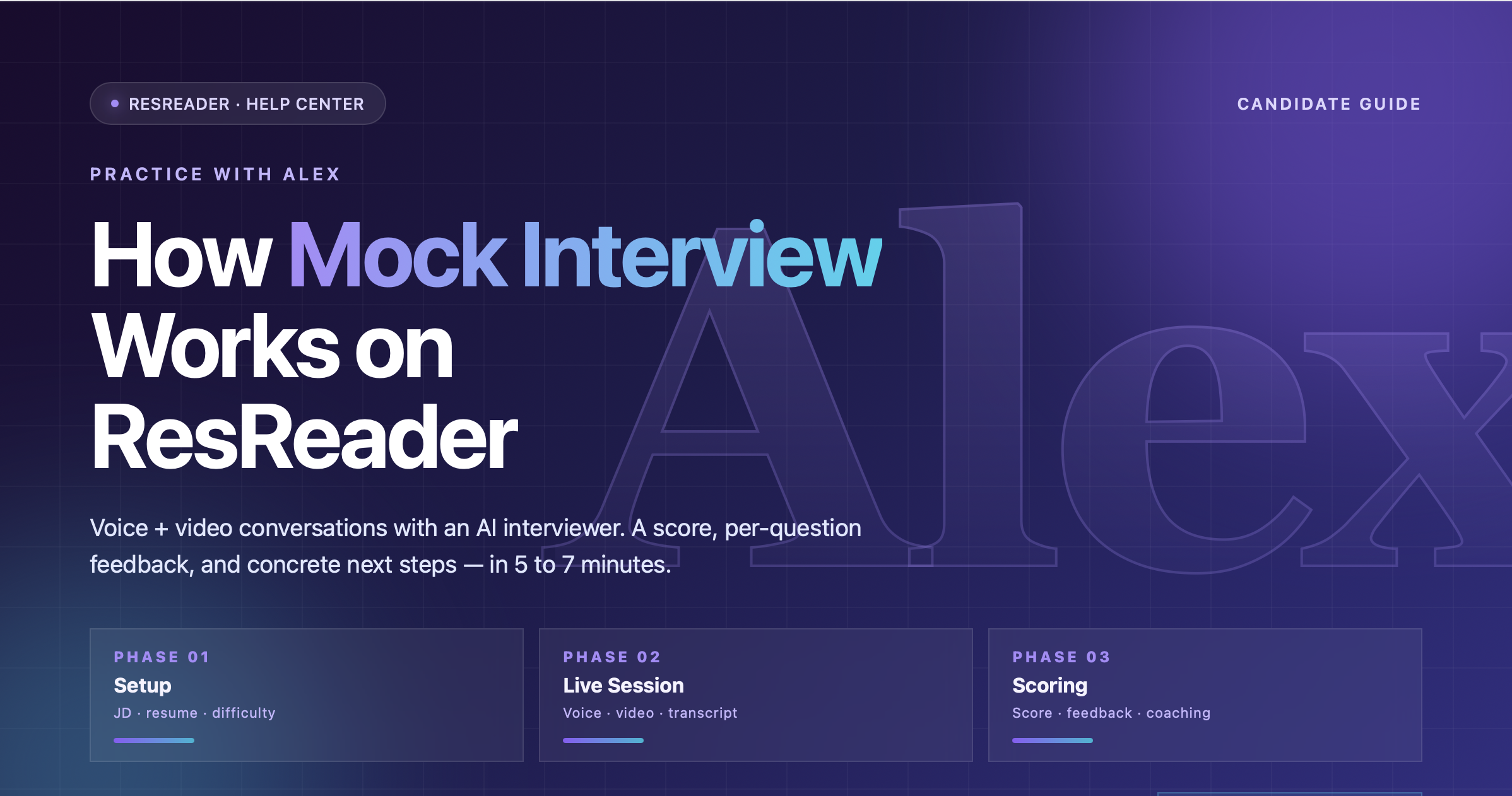
How Mock Interview Works on ResReader
An end-to-end explanation of ResReader's mock interview — the voice + video AI interviewer named Alex, what inputs shape the questions, the difficulty levels, the 5–7 minute session structure, anti-repeat for saved jobs, and the score you get afterwards.
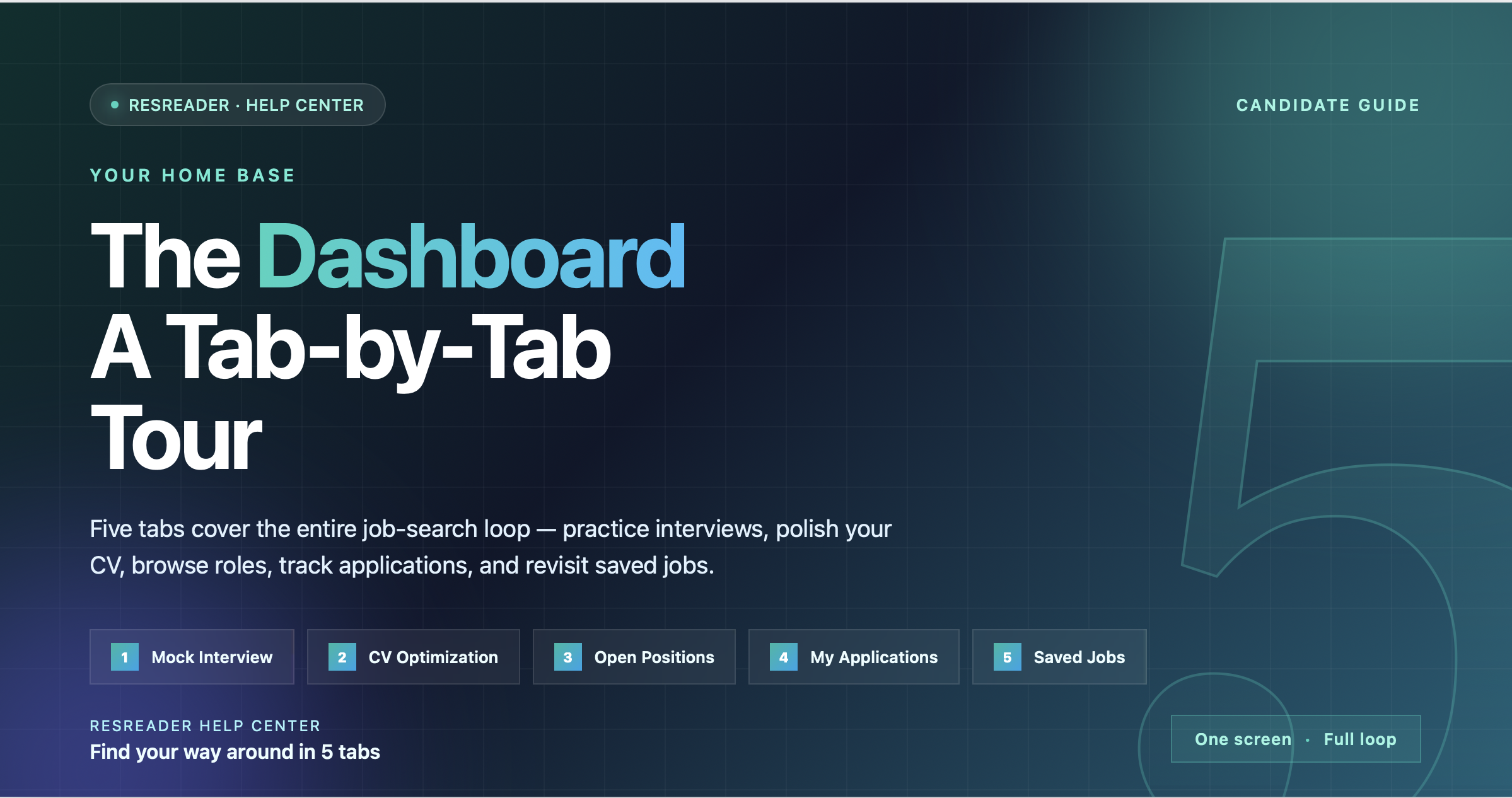
The ResReader Dashboard: A Tab-by-Tab Tour
A complete walkthrough of the ResReader candidate dashboard — the five tabs (Mock Interview, CV Optimization, Open Positions, My Applications, Saved Jobs), the top bar with the Upgrade pill and profile avatar, and what every control does.