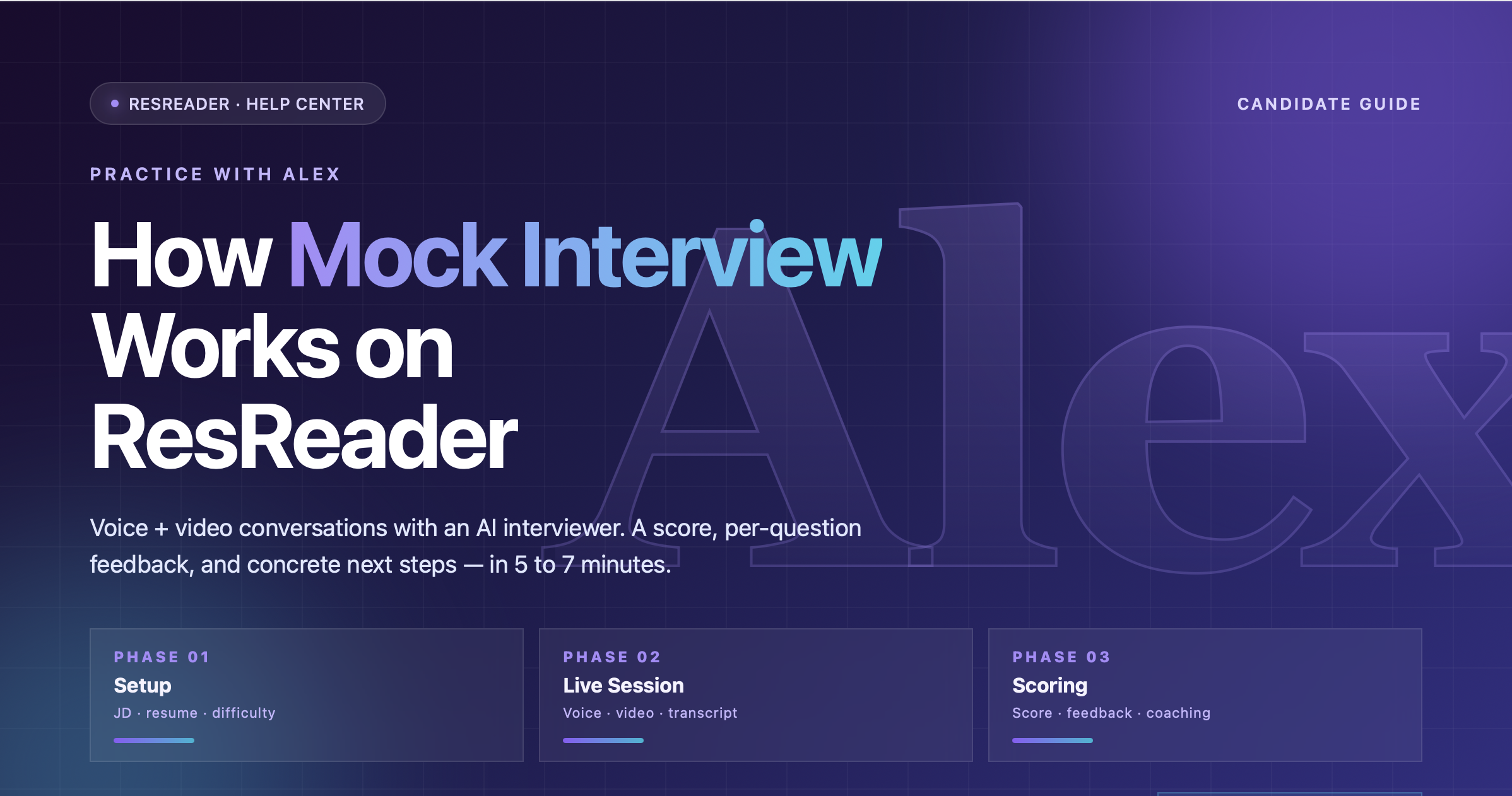
How Mock Interview Works on ResReader
Mock Interview is the first tab on the ResReader dashboard. You paste a job description, optionally attach your resume, choose how hard and how long you want the session to be, and then have a real voice + video conversation with an AI interviewer named Alex. Five to seven minutes later you get a score out of 100, per-question feedback, a list of strengths, and a list of things to improve. This guide explains exactly how every part of that works.
The high-level shape
A mock interview session has three phases:
- Setup. You create (or pick from your existing list) a "saved job description" — the role you're rehearsing for — then configure one session against it: question count, difficulty, optional resume attachment, optional custom steering.
- The live session. Alex greets you, asks your questions one at a time, follows up briefly when needed, and closes with a fixed farewell phrase. The whole thing runs over voice + video, with a live transcript appearing on screen.
- Scoring. Once the session ends, the transcript is sent for grading. A few seconds later you land on the result page with a score, summary, and per-question feedback.
Everything happens in your browser — you don't install anything, and the session never leaves your tab.
Meet Alex
Alex is the AI interviewer's persistent identity. Every session opens with a greeting along the lines of:
"Hi there, I'm Alex, and I'll be running your mock interview today."
The exact wording may vary slightly run to run, but the name and the warm-but-professional opening are constant.
The wording is calibrated against the job description you provided. A senior engineering posting yields different questions than an entry-level marketing role — Alex tunes seniority and topic mix to the posting.
What shapes the questions
Five inputs shape what Alex asks:
| Input | What it does |
|---|---|
| Job description | The single biggest driver. Alex grounds every question in this posting — the technologies, the responsibilities, the seniority cues. Paste the full posting; the limit is generous enough for any real job description. |
| Resume (optional) | When attached, Alex grounds at least 2 of N questions in concrete items from your resume — a named project, an employer, a technology, an accomplishment. References are specific by name, not abstract "tell me about your experience." |
| Question count | How many questions Alex aims to ask. The picker is a fixed set: 3, 5, 8, 10, 12, 14, 16. Default: 5. |
| Difficulty | Three segmented buttons — Easy / Medium / Hard. The chosen level drives the depth of follow-ups and how aggressively Alex probes edge cases. |
| Custom steering (optional) | A short free-text note that flavors Alex's question style — "focus on system design" or "keep it conversational." Use a sentence or two. It nudges the question style but won't change the difficulty or language. |
Difficulty levels
The difficulty control is three segmented buttons. Each one shapes Alex's behavior in a distinct way:
| Bucket | Behavior |
|---|---|
| Easy | Standard, well-known questions. Forgiving follow-ups. Good for first-time practice or testing how a session works. |
| Medium | Mix of standard and role-specific questions. Probing follow-ups when answers are vague. Default for most sessions. |
| Hard | Aggressive role-specific drilling. Edge-case probes. Less forgiving with vague or unstructured answers. Useful when you have a real interview coming up and want to stress-test. |
Harder sessions also feel less scripted — Alex's wording gets more varied as you move from Easy to Hard.
Language detection
You don't pick a language manually. Alex detects the language of the job description and conducts the entire interview in that language. If the JD is multilingual or unclear, English is the default. The closing sign-off ("This concludes our interview.") is the only fixed English phrase — it's a system signal that tells your browser the session is over, so it never gets translated.
How a session is structured
Every session follows the same arc:
-
Greeting (a few seconds). Alex introduces themselves and briefly sets context — something like "I'll ask a few questions tailored to the role you're prepping for." You don't have to introduce yourself first; Alex starts.
-
Core questions (most of the session). Alex works through the N questions you configured. They come one at a time — Alex waits for your answer before moving on. Expect a mix of behavioral, technical, and culture-fit, with each one calibrated to the role.
-
Follow-ups (interleaved). When your answer is short, vague, or interesting, Alex pushes once with a brief follow-up, then moves on. Follow-ups are not counted against your N.
-
Closing. Alex thanks you, notes that feedback is coming shortly, and ends with the exact phrase "This concludes our interview." That fixed phrase is what triggers your browser to stop recording, close the session, and route you to the result page.
Target length: 5–7 minutes. The model is instructed to wrap up after your N questions plus closing, so most sessions stay in that range. There's no early exit unless you say a clear full sentence like "I want to end the interview." Mumbled words like "bye" or background "hey" are ignored as audio artifacts — a deliberate guard against false endings.
Anti-repeat for saved job descriptions
If you run multiple sessions against the same saved job description, Alex remembers what was asked before. Questions from your 3 most recent completed sessions for that saved JD are carried over so Alex won't repeat or rephrase them in your next mock.
In practice, that means:
- Your second mock against the same role explores different parts of your background.
- The third one probes scenarios you haven't been tested on yet.
- By session four or five, the breadth of coverage is wide enough that you've practiced most of what the posting could probe.
Scoping is by saved JD, not by raw text — if you create two saved JDs with identical content, they keep independent histories.
What you get after the session
Once Alex's closing phrase is detected, the transcript is scored and a few seconds later you land on the result page. The output has five parts:
| Field | What it is |
|---|---|
| Overall score | A single number from 0–100. |
| Overall feedback | 2–4 sentences summarizing how the session went, in the same language you used. |
| Strengths | Bullet list of things you did well. |
| Improvements | Bullet list of specific things to work on. |
| Per-question breakdown | For each question Alex asked: the question text, a one-line summary of your answer, a 0–10 score, and 1–2 sentences of coaching feedback. |
The score uses these internal bands:
| Score | Interpretation |
|---|---|
| 80–100 | Substantive, structured answers with concrete examples. Ready for the role. |
| 60–79 | Solid with minor gaps. |
| 40–59 | Vague or incomplete. Needs more practice. |
| 20–39 | Very short or evasive answers. |
| 0–19 | Did not engage meaningfully. |
Feedback is intentionally honest but encouraging — this is practice, not hiring. For a detailed walkthrough of the result page, see Reading Your Mock Interview Score & Feedback.
Recording and privacy
Sessions are recorded by default. Recordings, transcripts, and scores are all stored under your account so you can re-watch and re-read past performances. If you flip Keep practice videos private in your profile, recordings stay on your device only and never upload — transcripts and scores still sync so you can still review your performance. For details, see Recording & Privacy.
Quotas
Mock Interview is metered per session:
- Free plan: 1 mock interview per month.
- Premium plan: 30 mock interviews per month.
- Top-up pack: $11.99 = +10 mock interviews, premium only, persistent (doesn't reset).
If you run out of credits mid-month, the start flow shows the paywall. Failed token issuance refunds your credit automatically — you only get charged for sessions that actually start.