Using the AI Study Guide After Your Mock Interview
After every mock interview, ResReader generates a personal study guide — a per-question reference of how a strong candidate would answer, calibrated to the job description you practised against. This article explains what's in it, where to find it, and how to actually use it to improve.
What the study guide is
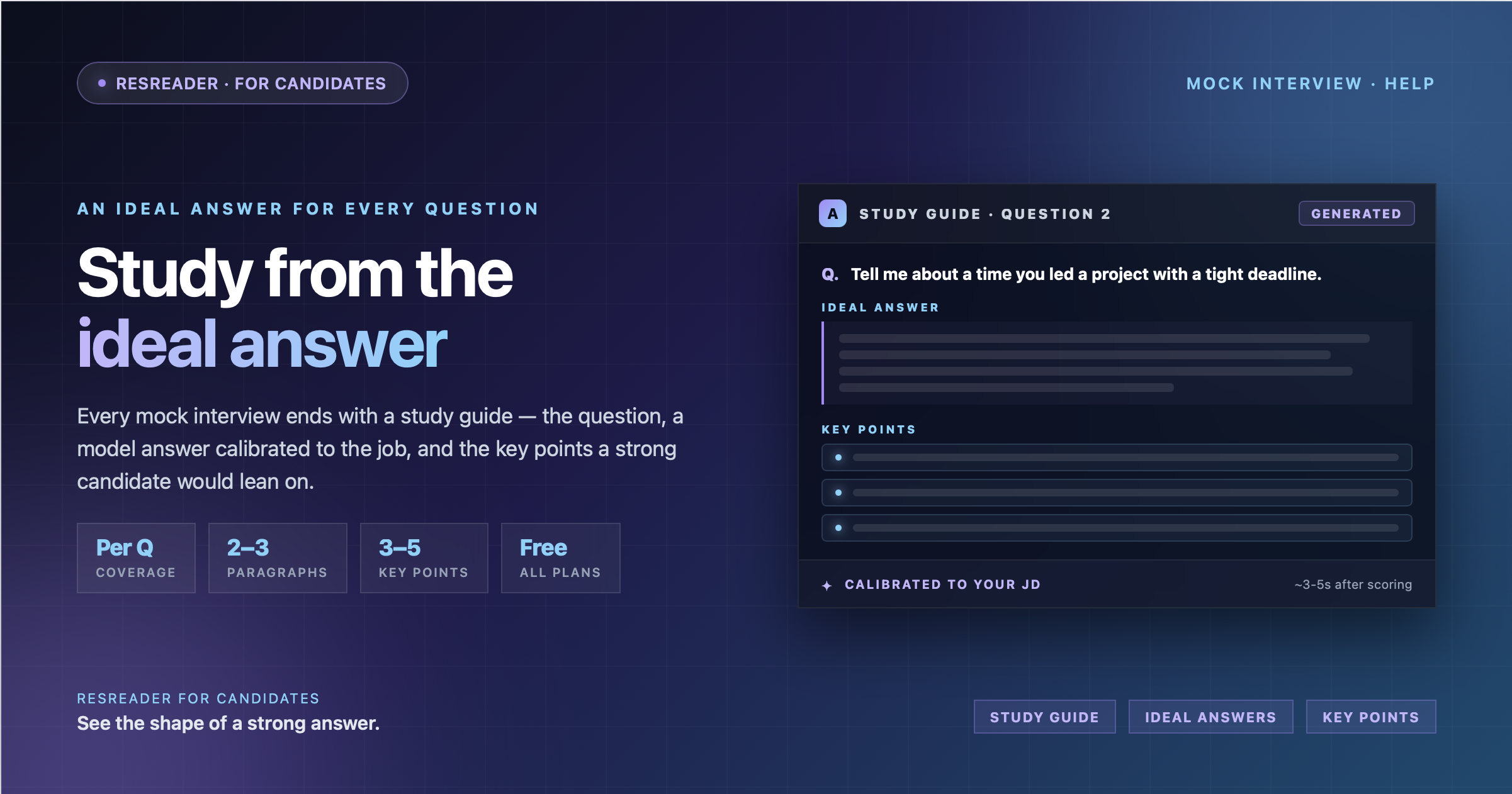
The study guide is generated alongside your scorecard. For every question you were asked in that session, you get three things:
- The question itself, verbatim — so you know exactly what you're studying.
- An ideal answer, two to three paragraphs long, grounded in the seniority level and skills the job description calls for. This isn't a generic "best practice" answer — it's calibrated to that specific role.
- Key points, three to five bullets that name the techniques, frameworks, or kinds of examples a strong candidate would lean on. These are the things you'd want to memorise or have ready to deploy next time.
The point isn't to recite the ideal answer back word-for-word. The point is to see the shape of a strong response so you can build your own version using your own experience.
When and where you see it
The study guide is generated automatically the moment your scoring finishes. You don't have to click anything. It appears on the same result page as your scorecard, in its own card below the per-question reviews.
While it's still being generated, you'll see a placeholder card that says "Preparing ideal answers — this usually takes a few seconds…" along with a spinner. Typical latency is three to five seconds after the rest of the scorecard lands.
If something goes wrong with generation (rare), the placeholder card will switch to an error state. The interview itself, the scorecard, and your credit are all unaffected.
The anatomy of one study-guide item
Each item is structured the same way, top to bottom:
- The question — exactly as the AI asked you during the interview.
- The ideal answer — the model response, in plain prose. Long enough to show structure, short enough to actually read.
- Key points — a bullet list of three to five takeaways. These typically name a framework (e.g., "STAR," "rule of three"), a technique ("lead with the outcome, then justify"), or the kind of example a strong candidate would cite for that question.
If the job description called for senior-level experience, the ideal answer will reach for senior-level examples. If it's an entry-level role, the bar adjusts down. The calibration happens at generation time — we look at the JD before writing the model answer.
How to study from it
A good loop:
- Re-read your own answer in the per-question review card (above the study guide on the result page).
- Read the ideal answer for that same question.
- Note one or two key points you missed. Don't try to absorb all five — pick the ones that matter most for your gaps.
- Run another mock interview for the same saved job description. The AI will avoid repeating questions you already answered in completed sessions, so you'll get fresh practice on related but new questions.
This is more useful than re-running the exact same interview. You're building range, not memorising a script.
It stays with the session
Your study guide is saved permanently with each interview. Open any past session from your history and the guide is still there — same questions, same ideal answers, same key points. Use it as a reference between sessions, not just immediately after.
Who can use it
Study guides are included for every user today, free and premium. There's no add-on to enable them and no extra credit to spend — they ship with every completed mock interview. This may change in future plans, but for now it's part of the default experience.
Once you've reviewed it, see Tracking Your Progress Across Mock Interview History to see how your scores evolve over time.
Try Now →
Start your first mock interview on ResReader — free, no credit card.