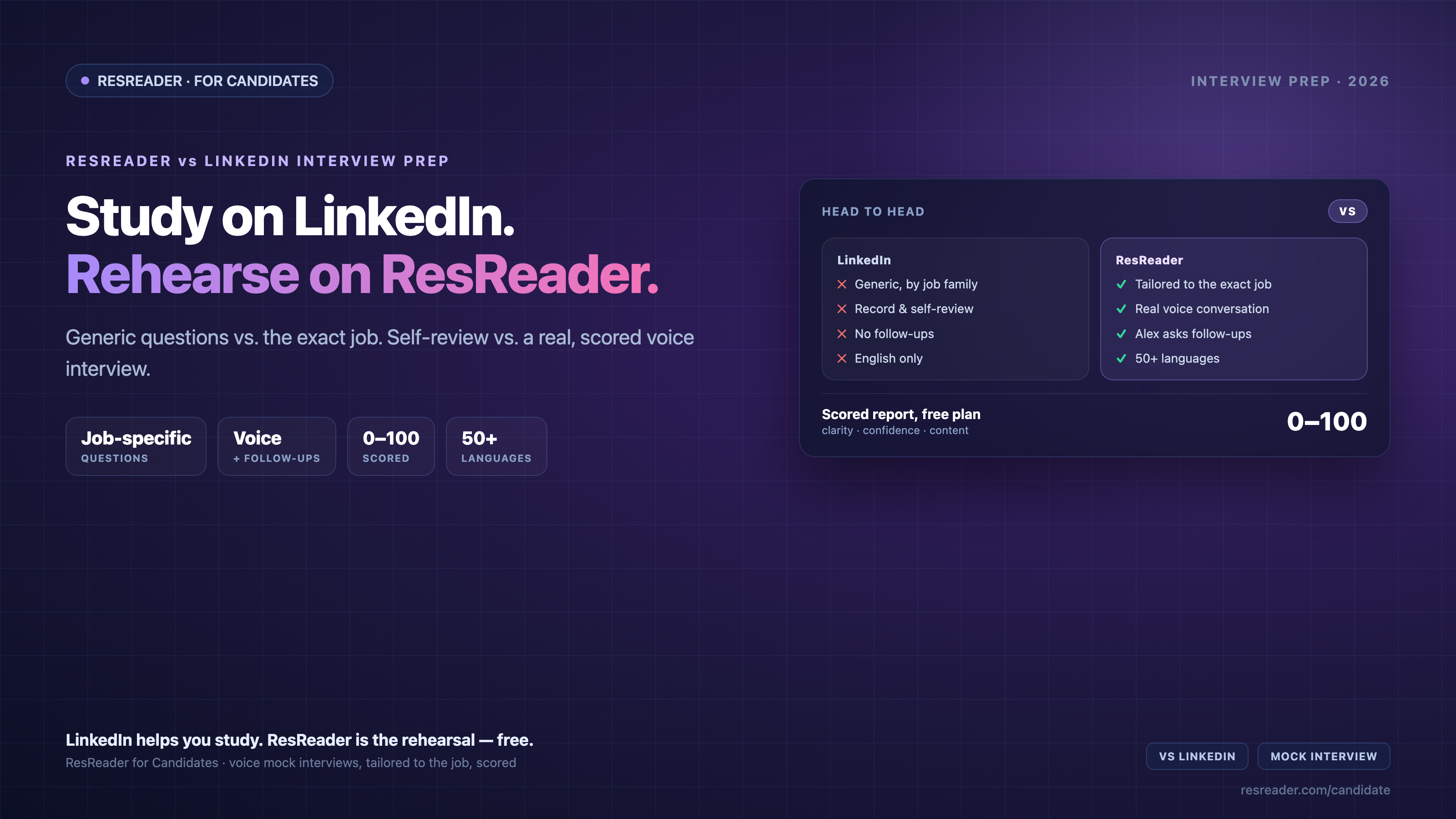
If you're prepping for an interview, two free-to-start tools probably come up: LinkedIn's Interview Preparation, built into the platform you already use, and ResReader for Candidates, a voice-based AI mock interview. Both help you practice — but they're built on very different ideas of what "practice" means.
This is an honest, head-to-head comparison so you can pick the right one (or use both) before your next interview.
The short version
LinkedIn is a great reference: read how experts answer common questions, record yourself, and get quick feedback on your delivery. ResReader is rehearsal: an actual spoken interview tailored to the specific job you're targeting, with follow-up questions and a scored report. One helps you study; the other helps you practice the real thing.
Side by side
The LinkedIn details below reflect LinkedIn's own Help Center as of June 2026 (Interview Preparation overview, AI feedback). Product features change — check the current pages before relying on any single point.
| LinkedIn Interview Prep | ResReader for Candidates | |
|---|---|---|
| Questions | Generic, by job family | Tailored to the exact job posting you paste |
| Format | Record a video / write, then self-review | Real-time voice conversation with an AI interviewer (Alex) |
| Follow-ups | None | Yes — Alex follows up when an answer is vague |
| Feedback | Delivery-level (pace, filler words, tips) | 0–100 overall + per-question scores, strengths, and fixes |
| Uses your CV | No | Optional — questions can reference your resume |
| Languages | English only | 50+ languages (interview runs in the job's language) |
| Expert sample answers | Yes (requires LinkedIn Premium) | Not the model — you're scored on your own answers |
| Price | Free; sample answers need Premium | Free 5/month; Starter $29.99/mo, cancel anytime |
Where LinkedIn is genuinely good
Let's be fair — LinkedIn Interview Prep has real strengths:
- It's already where you are. No new account; it sits inside the job search you're already doing.
- Expert sample answers (Premium). Reading how a strong answer is structured is genuinely useful when you're starting from scratch.
- Free delivery feedback. The automated read on your pace and filler words is free and a fine first gut-check.
If what you want is to read and study how interviews tend to go, LinkedIn is a reasonable place to start.
Where ResReader pulls ahead
The gap shows up when you move from studying to rehearsing under real conditions:
- Questions match your actual job. You paste the job description, and ResReader generates questions calibrated to that exact role — not generic "common questions for your field." The hard, role-specific questions are the ones that trip people up, and they're exactly what you practice.
- It's a real conversation. Over a live voice connection, the AI interviewer (Alex) asks, listens, and follows up when your answer is thin — the back-and-forth pressure LinkedIn's record-and-review flow can't recreate.
- You get scored, not just nudged. Instead of "you said 'um' six times," you get an overall 0–100 score, a score per question, written strengths, and a specific list of what to fix — all referencing what you actually said.
- It works in your language. If the posting is in Turkish, the whole interview is in Turkish. German, French, Spanish, Mandarin, Japanese — most major languages.
- CV optimization in the same place. Because getting the interview matters too, ResReader also tailors your resume to the role and exports an ATS-clean PDF.
And the parts that matter aren't paywalled: the full scored report is part of the free plan (5 mock interviews + 5 CV optimizations per month). Need more, Starter is $29.99/month — built monthly so you pay for the month you're searching and cancel when you land the offer.
So which should you use?
- Use LinkedIn to read expert sample answers and get a quick, free read on your delivery — especially early, when you're still learning what good answers look like.
- Use ResReader when you have a specific interview coming up and want to rehearse it out loud, with questions matched to that job and an honest, scored read on how you actually came across.
Most candidates get the best of both: study on LinkedIn, then rehearse for real on ResReader before the call.
How to start
Open ResReader for Candidates, create a free account, and go to the Mock Interview tab. Paste the job description, optionally upload your CV, set the difficulty, and click Start Interview. Alex will pick up the call — and five minutes later you'll have your first 0–100 score and a specific list of what to tighten before the real thing.
LinkedIn is a registered trademark of LinkedIn Corporation. ResReader is not affiliated with, endorsed by, or sponsored by LinkedIn. Comparisons are based on publicly available information as of June 2026 and may change over time.