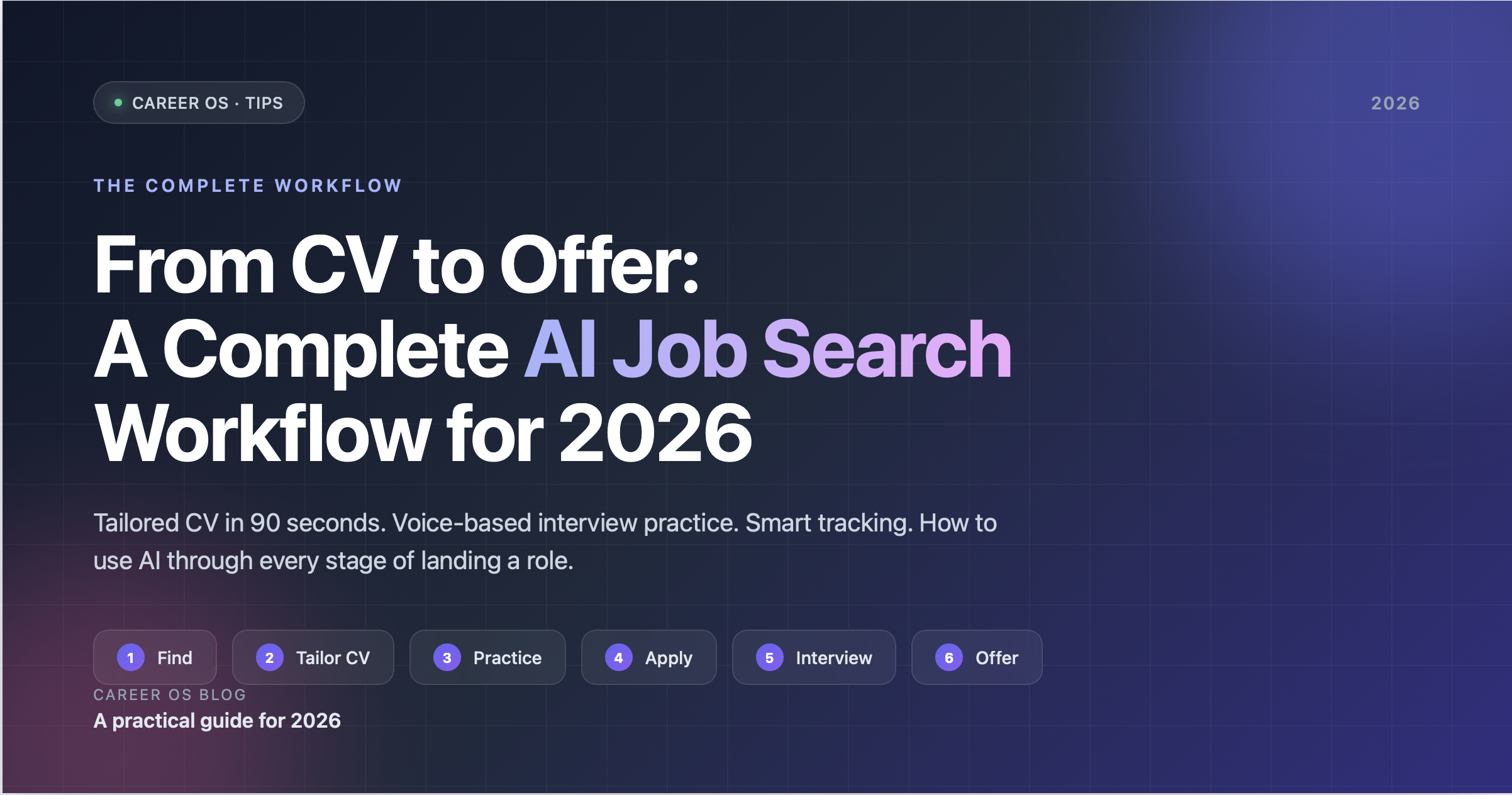
A good job search used to take three things: a polished resume, a way to find roles, and a friend willing to roleplay interviews with you. In 2026, all three of those have AI counterparts that are more useful than the manual version — not because AI is magic, but because the cost of doing each step well dropped from "hours of focused work per application" to "minutes of focused work per application".
The catch is that most job seekers are still doing this in pieces — one tool for resume, a separate one for interview practice, a spreadsheet for tracking. The stages don't talk to each other. The CV you tailored for Acme has nothing to do with the mock interview you practiced for Acme, and your application tracker has no idea you optimized either.
This is the workflow we recommend in 2026, with the stages connected. We'll walk through it concretely using Career OS as the example because that's where these stages are actually integrated, but the principles work with any combination of tools.
Stage 1 — Find the role (15 minutes)
Before AI is useful, you need a target. Spend 15 minutes finding one role you actually want. Specificity beats volume in a 2026 job search — three well-prepped applications beat thirty form-letter ones.
Where to look depends on your role and seniority, but the basics still apply: LinkedIn, the company's careers page, Otta/Welcome, Wellfound for startups, AngelList, your industry's job boards. Spend more time reading the job description than searching for the next one.
What to capture. Once you have the role, save the full job description text and the company name. You'll feed both into the next three stages, so paste them into a doc you can refer back to.
Stage 2 — Tailor the CV (90 seconds, +10 minutes review)
The single highest-leverage AI move in a job search is tailoring your CV to the specific role. Generic CVs are a relic of when tailoring took an hour per application; tools that take 90 seconds change the economics entirely.
How it works in Career OS. Open the CV Optimization tab, paste the job description, pick your existing CV. The AI runs through:
- Keyword coverage — which of the job's mandatory skills are missing or under-represented in your CV
- Bullet-by-bullet rewrites — concrete suggestions for tightening claims, quantifying impact, and reframing experience to match the JD's framing
- Strengths to lean into — places where your background uniquely matches the role, with suggestions to make those parts more prominent
You see the AI's suggestions one bullet at a time. Accept the ones you like, reject or edit the ones you don't, export a new PDF when you're done. Your original CV stays untouched.
What to actually do with the output. Don't accept everything blindly. The AI is good at finding the keywords you missed and suggesting cleaner phrasings, but it's bad at knowing what you actually did. Reject any rewrite that overstates a claim, exaggerates impact, or adds a metric you didn't earn. The point of optimization is honest tailoring, not creative writing.
A good rule of thumb: 60–70% of suggestions are usually worth taking, 20–30% need editing, 10% you should reject outright. If you're accepting 100% of them, you're not reading them carefully enough.
Free tier limit. One CV optimization per month. Premium is unlimited — useful if you're applying to more than a handful of roles a month.
Stage 3 — Practice the interview (5–7 minutes per session)
The CV gets you the interview. The interview gets you the offer. Most job seekers spend 90% of their prep time on the resume and 10% on the interview, which is exactly backwards once you get past the screening filter.
How it works in Career OS. Open the Mock Interview tab, paste the same job description you used for CV optimization, optionally attach your tailored CV. Pick a difficulty. Click Start Interview.
You're now on a real-time voice call with an AI interviewer named Alex. Alex asks the first question, listens to your answer, follows up if you were vague, then moves on. Five questions, 5–7 minutes total.
When the session ends, you get:
- Overall score (0–100) with a tier — Strong (80+), Solid (50–79), Needs Work (30–49), Try Again (under 30)
- Per-question scores so you can see which answers worked and which didn't
- Strengths and improvements, both written in plain English with specific references to what you said
The two-session pattern. Do this twice per role. First session is your baseline — expect a score lower than you want. Read the feedback carefully, especially the "areas to improve" list. Sleep on it. Come back the next day and do session two. Watch the score move. The delta is the actual learning.
Free tier limit. One session per month. Premium ($29.99/mo) bumps you to 50 sessions and unlocks $11.99 top-up packs (10 sessions per pack, never expire, stack) — useful when you have a hot week of interviews and want to drill three times before each of three different roles.
Language flexibility. If the job description is in Spanish, German, French, Turkish, Mandarin, or any major language, the entire interview runs in that language. The feedback comes back in the same language. Practicing in the language you'll actually be interviewing in is a meaningful advantage if you're not native — which is most of the world.
Stage 4 — Apply and track (5 minutes per application)
You've tailored the CV. You've done two mock interviews. Now apply. This stage is dull but matters: most job-search anxiety comes from losing track of where you are with which company.
What to track per application. At minimum:
- Date applied
- Where you applied (referral, LinkedIn, careers page, recruiter)
- Which CV version you sent (you'll have multiple by now)
- Whether you've practiced the interview
- The recruiter's name and what they said
- Next step + deadline
If you're using Career OS's My Applications tab, this is tracked for you automatically when you apply to jobs through the platform. If you're applying externally, a simple Notion / Airtable / spreadsheet does the job — pick the lowest-friction one you'll actually keep updated.
Saved searches. If you're casting a wider net, set up saved searches for the roles you care about. New matches come in, you triage them in 30 seconds, you decide whether to run them through the CV + mock-interview pipeline.
Stage 5 — The real interview (1 hour)
You did the prep. The interview itself is mostly execution. A few things that help:
Re-read the JD the morning of. Specifically the "responsibilities" and "requirements" sections. The interviewer is reading the same document; they'll ask about it.
Re-skim your tailored CV. The interviewer has a version of it. They'll reference specific things on it. Make sure you remember which version they got.
Glance at your mock interview feedback. Especially the "areas to improve" list from your second session. The most common pattern: the feedback says you were vague on a specific topic, then the real interviewer asks about exactly that topic. The mock has already shown you the question.
Don't practice the morning of. Twenty minutes before the real interview is too late to fix anything, and another session will make you nervous about whatever score you get. Do prep two days out, polish one day out, then close the laptop.
Stage 6 — The offer call
If you get here, congratulations — but don't end the workflow yet. The offer call is its own preparation:
Take it home. Almost any offer can be "let me think about this and I'll get back to you tomorrow." Even one night to think turns a panic decision into a considered one.
Negotiate the parts that are negotiable. Base is sometimes negotiable. Equity is often negotiable. Signing bonus is often negotiable. Start date is almost always negotiable. Benefits rarely are.
Don't share competing offers unless you have them. Competing offers are leverage. If you don't have one, don't bluff — recruiters know.
Connecting the stages
The reason this workflow works isn't that any single AI tool is incredible. It's that the context of your job search compounds across stages: the JD you used for the CV is the same JD that shapes the mock interview, which is the same JD you'll discuss in the real interview, which is the same JD that defines the offer.
When the stages are connected — same CV, same JD, same scoring framework — your prep time per application drops to about an hour, end-to-end. When they're disconnected (a generic CV, a generic mock-interview-question-bank session, no tracking), the same prep takes a day per application and you end up doing less of it.
Career OS is built around this integration: the CV optimizer and the mock interview both consume the same JD, and the mock interview can reference the tailored CV. If you're picking tools, that integration is worth more than any single feature.
A minimum viable schedule
If you have an interview next Tuesday:
- Saturday: Find the role, save the JD. (15 min)
- Sunday: Tailor the CV. (15 min)
- Sunday evening: First mock interview session, read feedback. (15 min)
- Monday evening: Second mock interview session. (10 min)
- Tuesday morning: Re-read the JD and your tailored CV. (10 min)
- Tuesday: Interview. (45 min)
- Tuesday evening: Log it in your tracker. (5 min)
Total prep time: ~75 minutes. Compare to the unfocused version of this same week, where you spend two hours updating your generic CV at 10pm Monday night, stress about interview questions you might be asked, and walk in cold. Same job, very different prep.
Where to start
If you want to try the integrated workflow, open Career OS, create a free account, and use the free monthly quota — one CV optimization, one mock interview — on the single most important role you're targeting this month. Premium is worth it once you're doing this for more than one role a month.