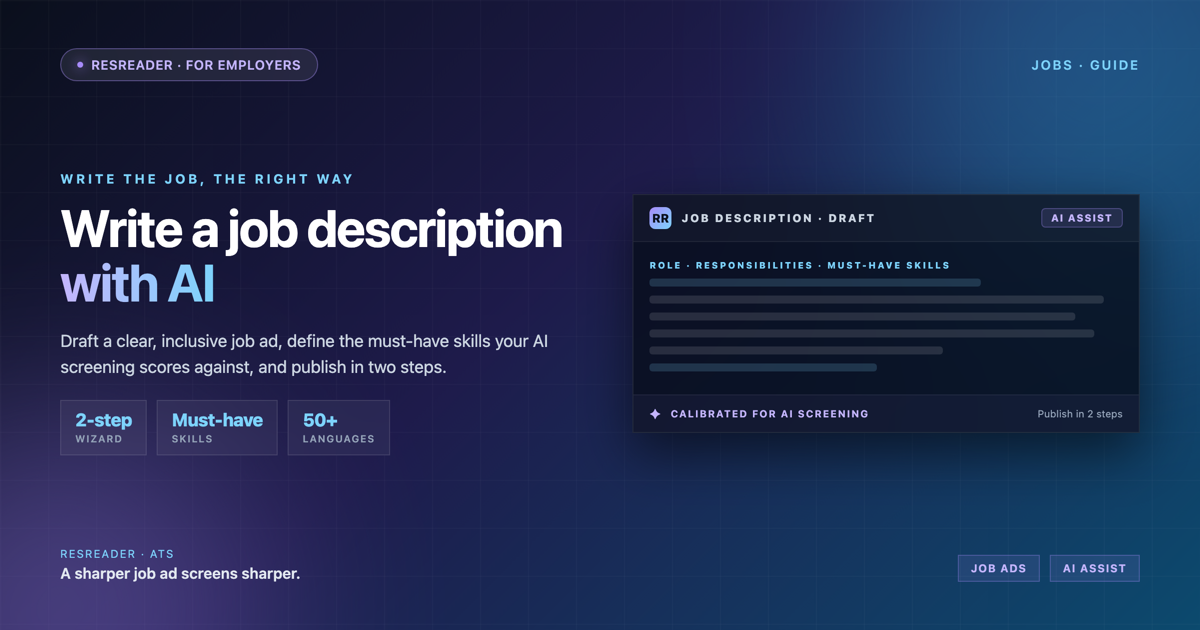
A job description does two jobs at once. It sells the role to candidates. And it tells your screening system what "good" looks like. Most teams treat it as a formality. That is a mistake. A vague description pulls in the wrong applicants and gives AI screening nothing to measure against.
This guide shows you how to write a job description that is clear, inclusive, and built to work with AI screening from the first scan. We will also walk through writing one inside ResReader, where the AI assistant drafts and refines the description and your mandatory skills feed directly into candidate scoring.
Why the job description is the foundation of good screening
ResReader scores every resume from 1 to 10 against the job. It also classifies each candidate as Qualified or Not Qualified based on the mandatory skills you define. Both depend on one thing: a clear, specific description.
If your must-have skills are fuzzy, the score is fuzzy. If your responsibilities are generic, the AI candidate summary has less to work with. Write the description well and everything downstream gets sharper: the per-criterion reasoning, the strengths-and-concerns summary, and the suggested next action.
So the goal is not just a readable post. The goal is a description precise enough to screen against.
Step-by-step: write a job description with AI in ResReader
Step 1: Start the Create Job flow
Open your workspace and start a new job. You will name the role, set the location and type, and move into the description. This is where the structure starts to matter.
Step 2: Draft the description with the AI assistant
In the Create Job flow, ResReader's AI assistant helps you draft and refine the description. Give it the basics of the role and let it produce a first draft. Then edit. The assistant is there to get you off a blank page and tighten weak sections, not to replace your judgment. Keep the parts that are true to your team. Cut the filler.
Step 3: Define mandatory skills
This is the step most teams skip, and it is the most important one for screening. Mandatory skills are the requirements that drive the Qualified / Not Qualified classification. Be deliberate. List only the skills a candidate genuinely cannot succeed without. If you mark too many things as mandatory, you will rule out strong people. If you mark too few, you let weak fits through.
Separate must-haves from nice-to-haves clearly. The must-haves gate the classification. The nice-to-haves still inform the AI score and the candidate summary, but they do not disqualify anyone on their own.
Step 4: Set the per-job languages
ResReader lets you set three languages per job:
- Analysis language — the language ResReader uses to score and summarize.
- Candidate-facing language — what applicants see and respond in.
- AI-interview language — the language used in the AI interview for this role.
You set these independently. A role might be analyzed in English while candidates apply in their own language. ResReader supports 50+ languages across CVs, interviews, and the interface, so set each one to fit the role and the market you are hiring in.
Step 5: Publish and share
Once published, the job gets a public application link. Share it on your careers page, in a post, or by email. Anyone with the link can apply, and their resume flows straight into your pipeline for scoring.
Public job detail pages also carry structured data, so Google for Jobs can index them automatically. There is nothing extra to configure for that to happen.
A job description template that works with AI screening
Use this structure. It reads well for humans and gives the AI clean signals to score against.
Role summary
Two or three sentences. The title, where the role sits, and the outcome it owns. Lead with what the person will accomplish, not a list of buzzwords.
Responsibilities
Five to eight bullet points. Each one starts with a verb and describes real work. Be concrete. "Own the weekly reporting pipeline" beats "responsible for reporting." Specific responsibilities give the AI candidate summary more to match against.
Must-have skills
The mandatory list. These map directly to the Qualified / Not Qualified gate in ResReader. Keep it tight. Every item here should be a genuine deal-breaker. Name the skill, and where it helps, the level (for example, "production experience with X," not just "familiar with X").
Nice-to-have skills
The differentiators. Things that make a candidate stronger but are not required. These still influence the score and the summary. They do not disqualify anyone.
About the company
A short, honest paragraph. What the team does, how it works, and why someone would want to join. This is the part that sells. Write it like a person, not a brochure.
Write an inclusive job description
Inclusive language widens your pool. A few habits help:
- Trim the requirements list to what the role actually needs. Long must-have lists discourage qualified people, especially those who self-select out.
- Separate must-haves from nice-to-haves so candidates do not assume every line is a hard gate.
- Avoid jargon and internal acronyms that only insiders would recognize.
- Focus on outcomes and skills, not years-in-seat or pedigree.
ResReader supports inclusive hiring on the screening side too. Anonymous screening strips name, photo, and personal details from the review to reduce bias during evaluation. A clear, inclusive description at the top of the funnel and anonymous screening further down work together.
How a good JD improves the rest of your pipeline
Once the description is right, the rest of ResReader gets more useful:
- AI scoring with per-criterion reasoning ties each score back to your stated requirements, so you see why a candidate landed where they did.
- The AI candidate summary surfaces strengths, concerns, and a suggested next action against the real role.
- Application rescan lets you re-run analysis if you change the description later, so existing applicants are re-scored against the new criteria.
- Compare applications puts top candidates side by side with an AI comparison.
Write the description once, carefully, and every scan after that is more accurate.
FAQ
How long should a job description be?
Long enough to be clear, short enough to be read. A tight role summary, five to eight responsibilities, a focused must-have list, a few nice-to-haves, and a short company paragraph is usually enough. Cut anything that does not help a candidate decide or help the AI screen.
Do mandatory skills really affect screening?
Yes. Mandatory skills drive the Qualified / Not Qualified classification in ResReader. Define them carefully. Too many and you exclude strong people; too few and weak fits slip through.
Can I change the description after I publish?
Yes. If you update the description, use application rescan to re-run analysis so existing applicants are evaluated against the new criteria.
Will my job show up on Google for Jobs?
Public job detail pages on ResReader include structured data, so Google for Jobs can index them automatically. You do not need to configure anything extra.
Questions about setting up your first role? Reach the team at support@resreader.com.
Looking for your next role? Open ResReader for Candidates →