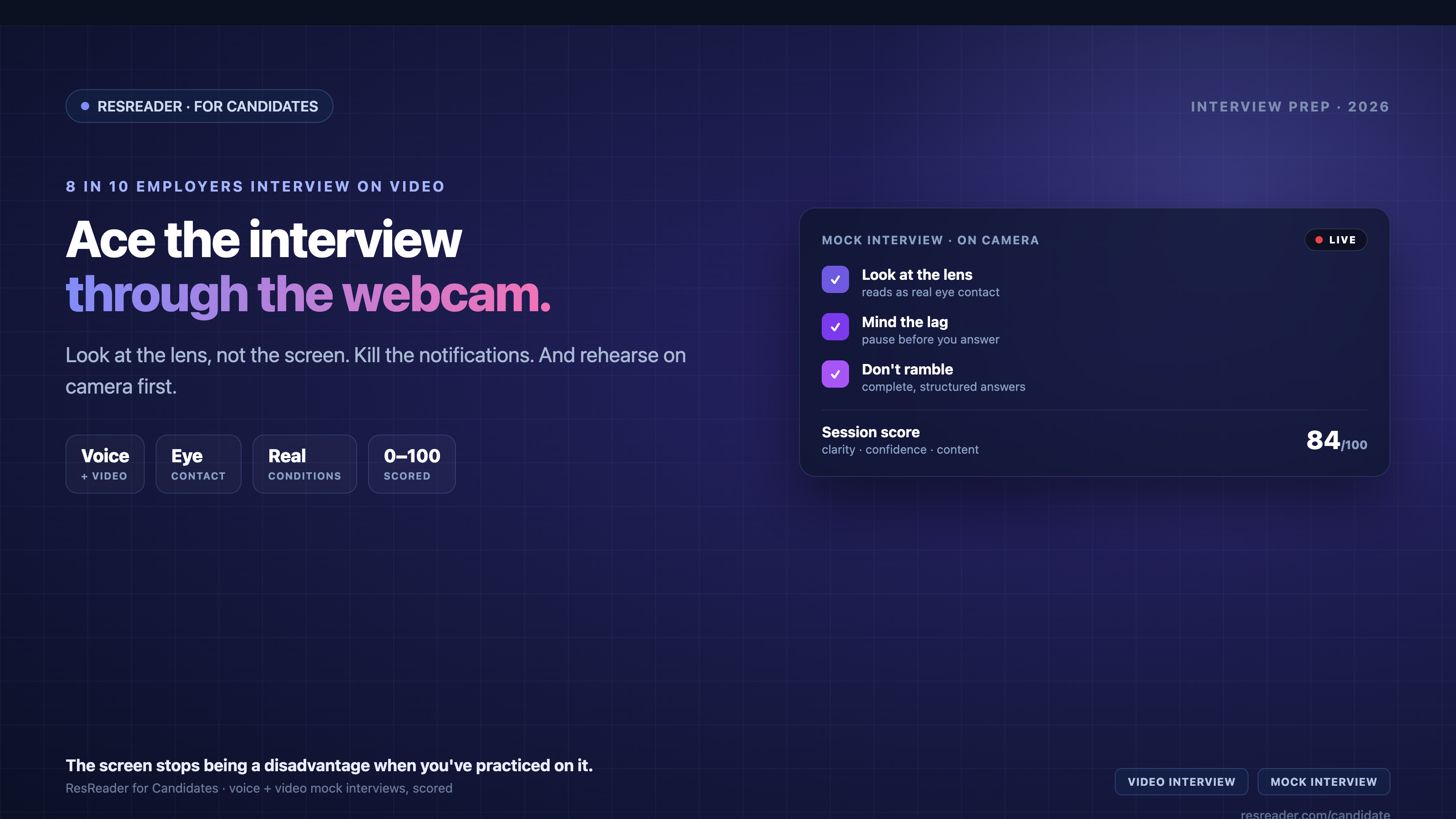
The first interview for your next job will probably happen through a webcam. Around 80% of employers now use video interviews as part of hiring, and roughly 93% say they'll keep using them. The video interview isn't a pandemic leftover anymore — it's the front door.
Here's the catch: many candidates prepare less for video interviews than for in-person ones, treating them as lower-stakes because they're at home in comfy clothes. That's backwards. A video interview adds a whole layer of things that can go wrong — and quietly filters out people who don't manage them. Let's make sure that's not you.
First, respect the medium
A video interview is not an in-person interview that happens to be on a screen. The camera flattens your energy, adds a half-second of audio lag, and turns small technical hiccups into big distractions. 70% of candidates say they've lost an opportunity because of a tech issue on a call. Preparation here is half logistics, half performance — and the logistics half is the one people skip.
The tech checklist (do this the day before, not five minutes before)
- Test the actual platform. Zoom, Meet, Teams, or a one-way tool like HireVue all behave differently. Open the exact one and do a test call.
- Check camera, mic, and internet. Technical glitches are common in online interviews — and most are preventable with a five-minute test.
- Have a backup. Know how you'd switch to your phone or a hotspot if your setup dies mid-call. Having a plan turns a disaster into a 30-second blip.
- Close everything else. Quit other apps, silence notifications, and turn off email and message chimes. One Slack ping mid-answer is all it takes to lose your thread.
The setup that makes you look competent
- Light your face, not your back. Sit facing a window or a lamp. Backlighting turns you into a silhouette. This one change does more than any background filter.
- Camera at eye level. Prop your laptop up on books so the lens is level with your eyes — not looking up your nose.
- Clean, quiet background. A plain wall beats a messy room or a distracting virtual background. Find a space where no one will walk in.
- Frame yourself properly. Head and shoulders, a little space above your head. Not too close, not a tiny figure across the room.
The delivery habits that win
- Look at the camera, not the face. This is the single biggest video-interview skill. Looking at the interviewer's image on your screen means you appear to be looking down. Looking at the lens creates real eye contact. It feels unnatural — which is exactly why you practice it.
- Account for the lag. Pause a beat before you answer so you don't talk over the interviewer. The half-second delay causes awkward collisions if you jump in fast.
- Don't be too brief. On video it's tempting to give clipped answers. Interviewers already find it harder to read engagement over video — so give complete, structured answers and let your energy come through a little bigger than feels normal.
- Don't sound rehearsed. Reading from notes off-screen is obvious and kills your eye contact. Know your stories; don't script them word for word.
The one thing that fixes most of this: practice on camera
Nearly every mistake above — freezing, rambling, looking away, flat energy, talking over the lag — is something you only catch when you see and hear yourself on camera. Reading tips doesn't build the muscle. Recording yourself does.
This is where ResReader's AI mock interviews help most: they're voice and video, so you practice under the exact conditions of the real call. You paste the job you're interviewing for, and the AI interviewer (Alex) asks role-specific questions out loud and follows up when your answer is thin. The moment you finish, you get a 0–100 score, your strengths, and specifically what to fix — including whether you rambled or kept it tight. Run it a few times and the real webcam call stops feeling like the first take.
The free plan includes 5 mock interviews a month, and it works in 50+ languages — so you can rehearse in the language you'll actually be interviewed in.
Frequently asked questions
How do you make eye contact in a video interview?
Look into your webcam lens, not at the interviewer's face on your screen. Looking at the screen makes you appear to be gazing down; looking at the lens is what reads as real eye contact.
How do you prepare for a video interview?
Test the exact platform in advance, light your face from the front, put the camera at eye level, silence all notifications, and — most importantly — rehearse your answers on camera beforehand.
Are video interviews harder than in-person ones?
They add technical and delivery challenges — audio lag, camera eye contact, flatter energy — and 70% of candidates say they've lost an opportunity to a tech issue. They need more preparation, not less.
The takeaway
Video interviews are now the default, not the exception — and the candidates who treat them casually are the ones getting filtered out. Nail the boring logistics (test the platform, light your face, kill the notifications), master the one hard skill (look at the lens), and rehearse on camera until you sound like yourself under pressure. Do that, and being on a screen stops being a disadvantage and starts being where you shine.
Want to practice on camera before the real call? Try a free AI mock interview on ResReader — voice and video, scored in minutes.